
Download Simplenote – note-taking, simple notes, cloud sync, mobile app, free note app, cross-platform
Overview
Simplenote is a streamlined note-taking application designed for users who value clarity, speed, and seamless access across devices. Built with a minimalist philosophy, the app removes clutter and distractions, allowing users to focus solely on capturing thoughts, ideas, and reminders. Its core purpose is to provide a reliable, no-frills platform for organizing digital notes without the complexity found in many competing tools. This makes it particularly well-suited for students, professionals, writers, and anyone seeking a distraction-free environment for quick note creation and retrieval.
The app solves common pain points such as fragmented note management, platform-specific silos, and the overwhelming number of features that hinder productivity. By prioritizing essential functionality, Simplenote ensures that users can create, edit, and locate notes efficiently. It is especially valuable in workflows where speed and consistency are crucial, such as brainstorming sessions, daily journaling, or tracking to-do lists across multiple devices.
Developed by Automattic, the company behind WordPress.com, Simplenote benefits from a reputation for reliable, user-centric tools. While specific technical details about the development process were not provided, the app’s long-standing presence in the productivity space reflects its commitment to simplicity and stability. Its integration with web, mobile, and desktop platforms underscores its role in modern digital ecosystems where cross-device continuity is essential.
Key Features & Functionality
- Minimalist Interface: The app features a clean, text-focused layout with no unnecessary buttons or visual distractions. Users can open the app and begin typing immediately, making it ideal for capturing fleeting ideas.
- Tagging System: Notes can be organized using custom tags, enabling users to categorize entries by topic, project, or priority. For example, a user might tag notes with #work, #ideas, or #shopping to streamline future searches.
- Real-Time Cloud Sync: All notes are synchronized across devices through a user account. Whether switching from a smartphone to a laptop, users maintain access to the most up-to-date version of their notes.
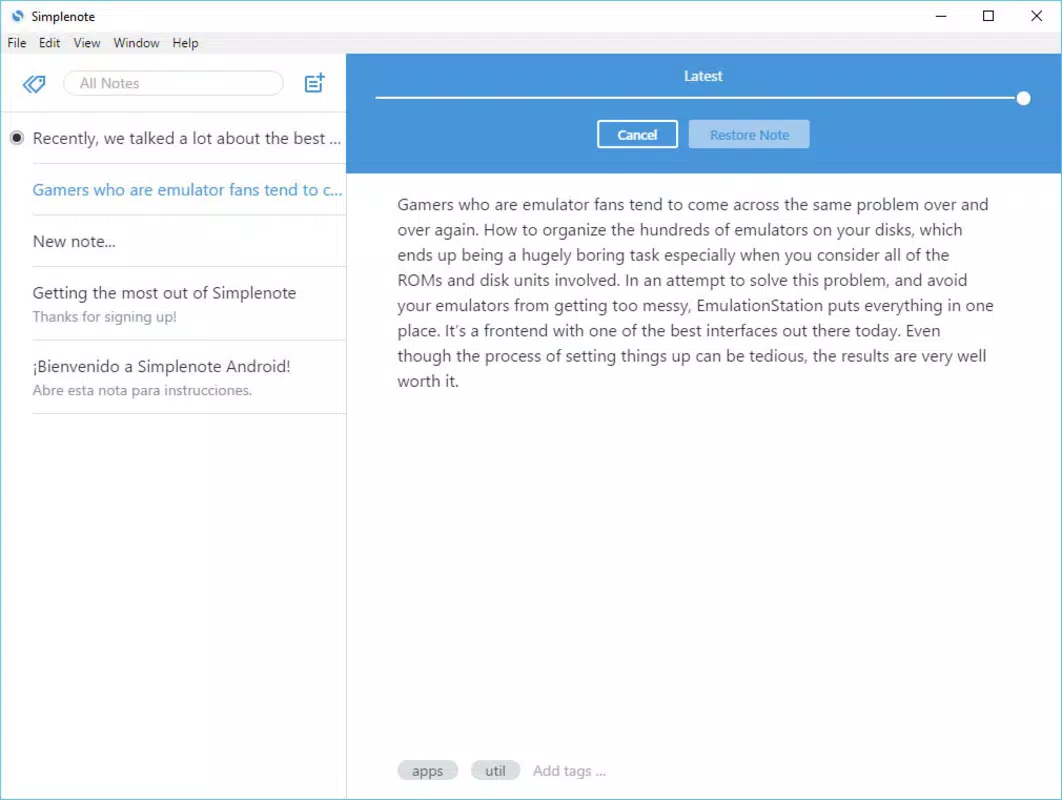
- Version History: Simplenote automatically saves previous versions of each note, allowing users to revert to earlier drafts if needed. This is particularly useful for tracking changes during collaborative writing or editing.
- Collaborative Editing: Multiple users can work on the same note simultaneously, making it a useful tool for team projects, shared planning, or co-authoring documents.
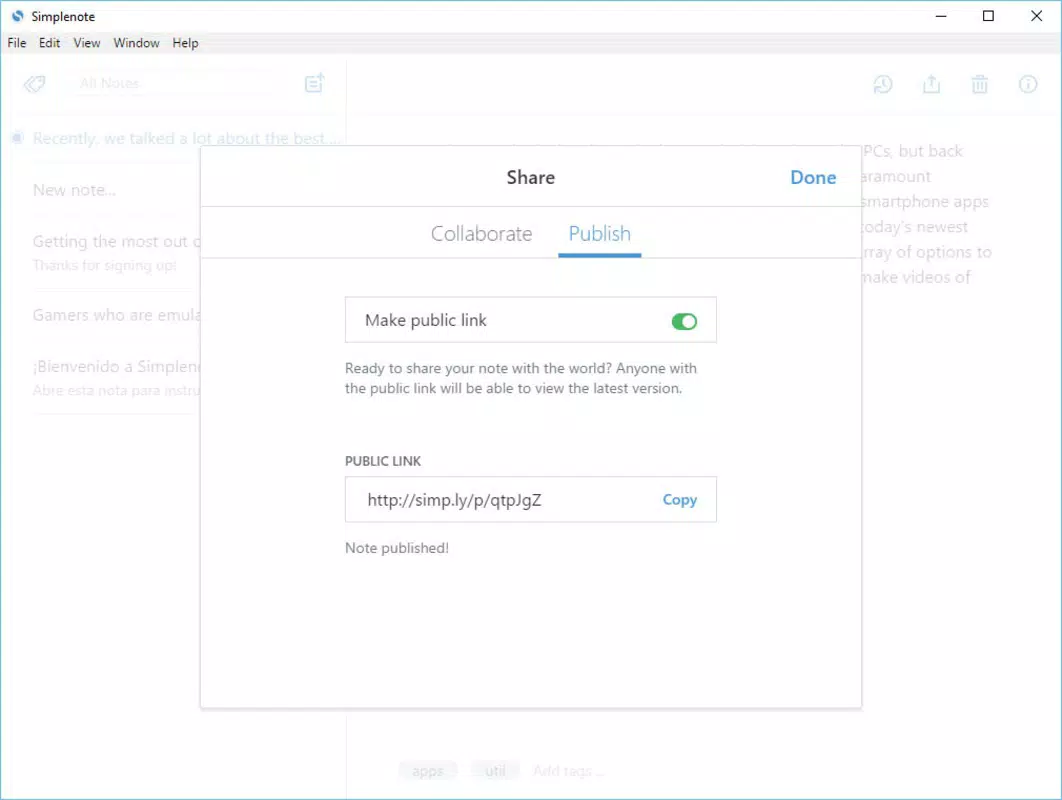
- Public Sharing via Unique URLs: Users can publish individual notes online with a generated link, enabling easy sharing without requiring external platforms or complex setup.
These features support real-world use cases such as managing daily tasks, drafting blog posts, maintaining research notes, or sharing project updates with colleagues. The combination of simplicity and powerful functionality ensures that users gain maximum utility without sacrificing ease of use.
Interface, UX & Performance
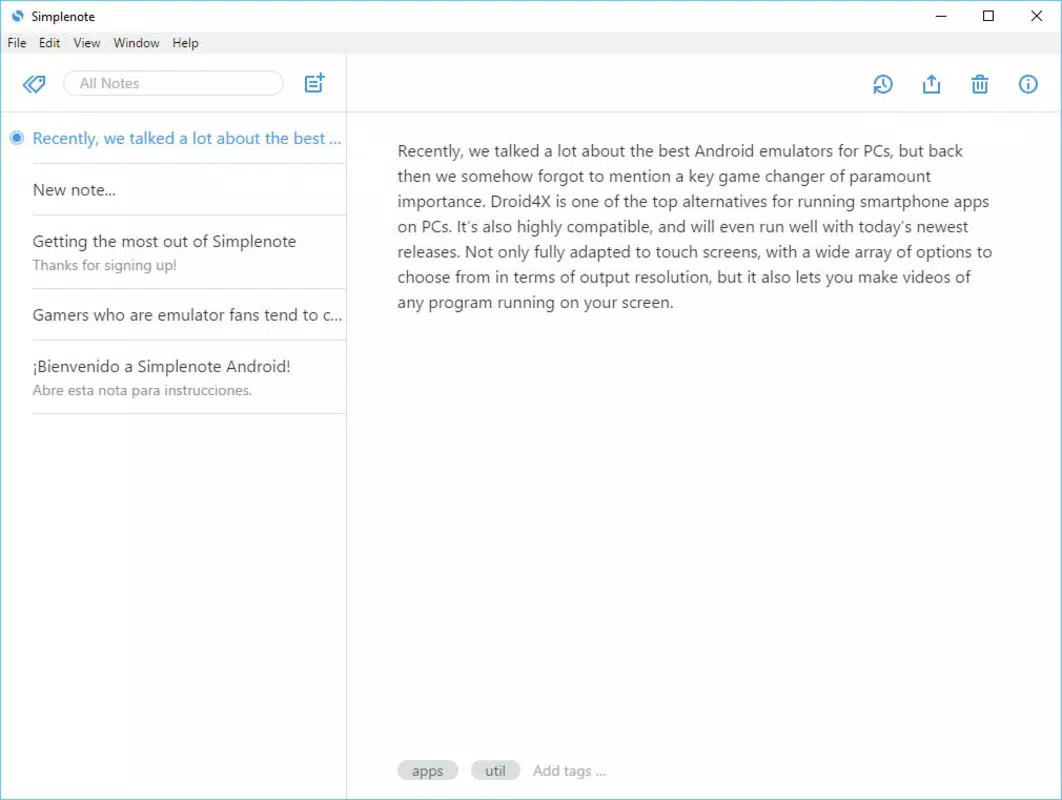
Simplenote’s interface is intentionally sparse, emphasizing readability and functionality over visual flair. The layout centers around a list of notes on the left and the selected note’s content on the right, creating a logical and intuitive workflow. Navigation is straightforward: tapping a note opens it, and a simple menu allows users to create, edit, or delete entries.
The app’s visual style is consistent with modern minimalist design principles—neutral colors, legible typography, and ample white space. This contributes to a calm, focused user experience that minimizes cognitive load. Users can quickly switch between notes, apply tags, and access sync status with minimal effort.
Although the developer did not list formal performance metrics, the app operates smoothly on a range of devices, including entry-level smartphones and tablets. Responsiveness is strong during typing and navigation, and the app maintains stability even during prolonged use. Syncing is generally prompt, with minimal delays across platforms. The absence of heavy animations or resource-intensive elements contributes to its efficient performance across different device categories.
Platform Compatibility & Technical Requirements
Simplenote is available on multiple platforms, including Android, iOS, web browsers, Mac, and Linux. This broad compatibility ensures that users can access their notes regardless of their preferred operating system or device type. The app is designed to function seamlessly across these environments, maintaining consistency in both interface and behavior.
The current version is 1.22.0, with a file size of 12.5 MB, indicating a lightweight footprint that does not strain device storage. The developer did not specify minimum OS requirements or hardware specifications, so compatibility may vary based on individual device configurations. However, the app’s lightweight nature suggests it is optimized for a wide range of devices, including older models.
Pros and Cons
Pros
- Lightweight and fast, ideal for low-storage devices
- Seamless cross-platform synchronization
- Simple, distraction-free interface
- Free to use with no in-app purchases
- Supports tagging, version history, and collaboration
- Public sharing via unique URLs for quick content distribution
Cons
- No built-in rich text formatting or multimedia support
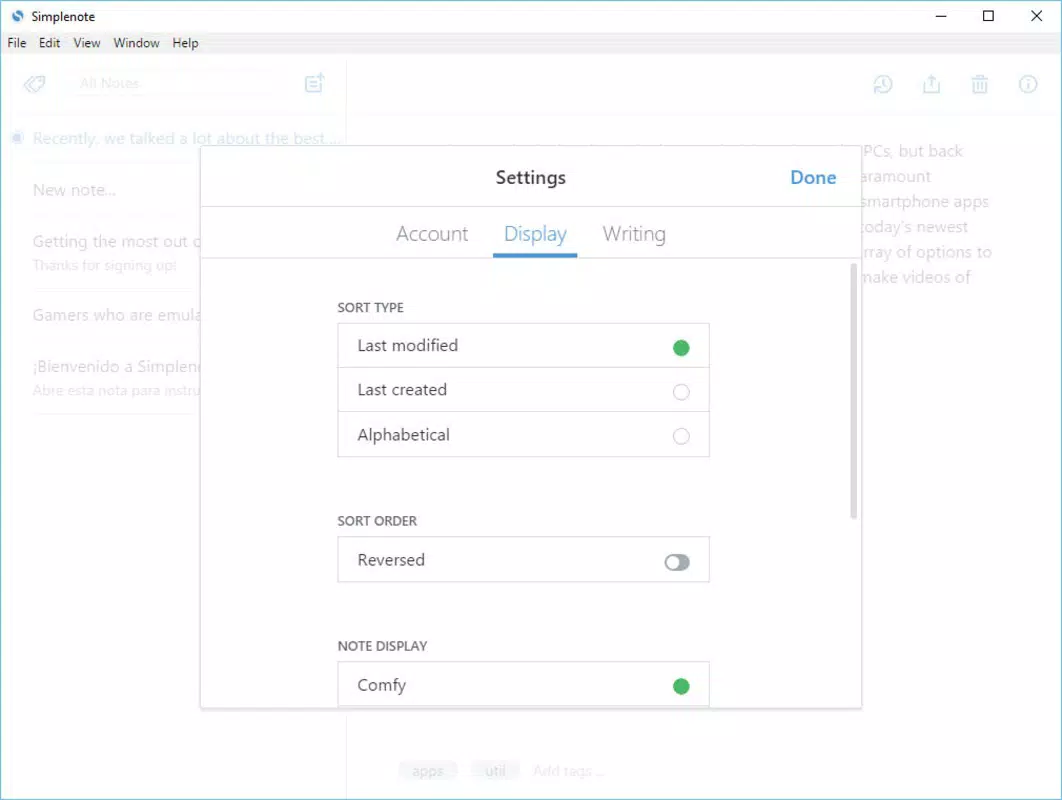
- Limited customization options for themes or layouts
- Developer did not provide detailed technical requirements
- Basic search functionality may not support advanced filters
- Dependent on user account for full functionality
FAQ
Is Simplenote safe to use?
Simplenote encrypts user data during transmission and stores it securely on its servers. While the app does not offer end-to-end encryption for all notes, it maintains strong security practices to protect user privacy.
Can I use Simplenote without an account?
No, access to sync, cloud storage, and advanced features requires a user account. However, the app can be used locally on a single device without an account, though data will not be available across platforms.
Does Simplenote support offline use?
Yes, users can create and edit notes while offline. Changes are automatically synced once the device reconnects to the internet.
How often does Simplenote update?
Updates are released periodically by Automattic to improve stability, performance, and feature support. The latest version is 1.22.0, released on August 15, 2023.
Is Simplenote available on all devices?
Simplenote is available on Android, iOS, web browsers, Mac, and Linux. Specific availability may depend on the device’s operating system and app store policies.
Final Thoughts
Simplenote stands out in the crowded note-taking market by delivering exceptional value through simplicity. It is not designed to compete with feature-heavy apps but instead excels as a focused, reliable tool for capturing and organizing thoughts. Its strength lies in consistency, speed, and cross-device accessibility—qualities that benefit students, creatives, remote workers, and anyone who values efficiency over complexity.
For users who prioritize clean design, fast performance, and seamless sync, Simplenote offers a compelling alternative to more complicated platforms. The free model, combined with robust core features, makes it one of the most accessible productivity tools available today.
Download Simplenote now


